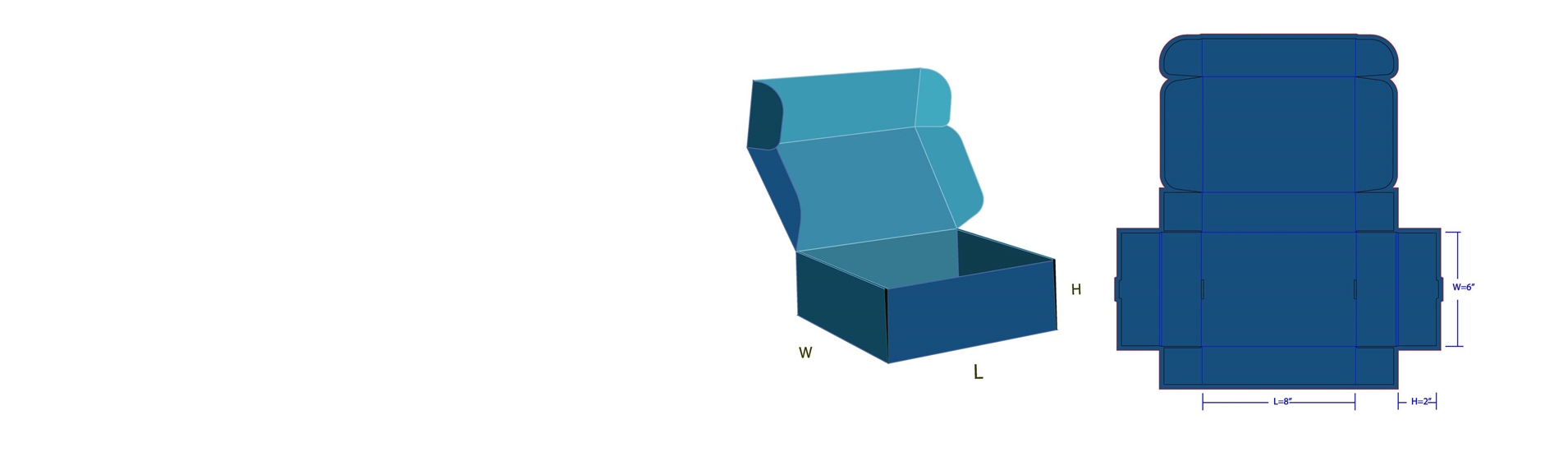
Things to remember when you make a design for printing.
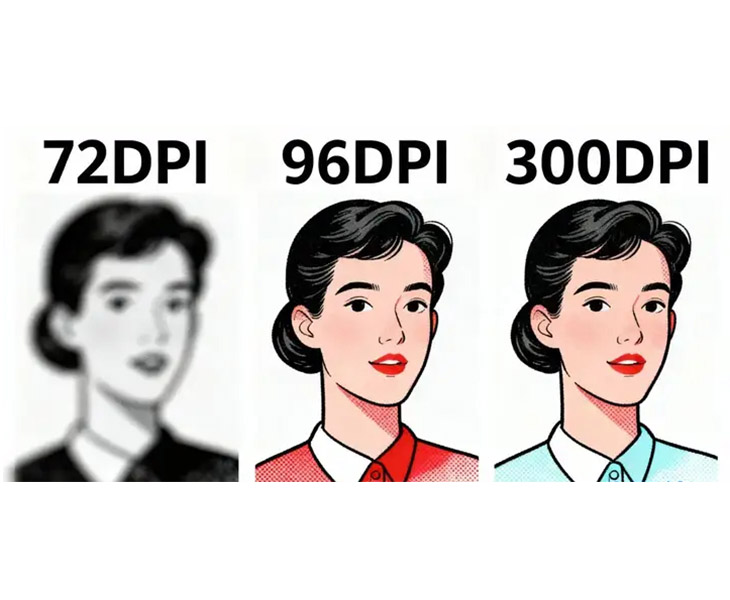
- If you have images in your file, make sure they are clear and not blurry (with a resolution of no less than 300 dpi)
- All images and colorsmust be in CMYK mode.
- During design, leave 3 mm of bleeding on each side so nothing important gets cut. All text and symbols must be outlined (converted to paths) to avoid font-related issues during output.
- Check for pantone color requirements. Remember that special finishes like foil stamping or UV are often represented as pantone colors.
- Barcodes are scannable, solid black, with clear white background.
- For standard printing, the minimum font size should be no less than 5 PT, and lines shouldn’t be thinner than 0.25 points.
Adjust your image to 300 DPI by following these steps in Photoshop
Open the image:Go to File → Open, and select your image.
Open Image Size:Go to Image → Image Size (or press Alt + Ctrl + I).
Key step:Uncheck “Resample” (sometimes called “Resample Image” or “Resample”).
Change the resolution:Change the value from 72 or 96 to 300 ppi.
Click OK.Save the file:Go to File → Save As → JPEG.
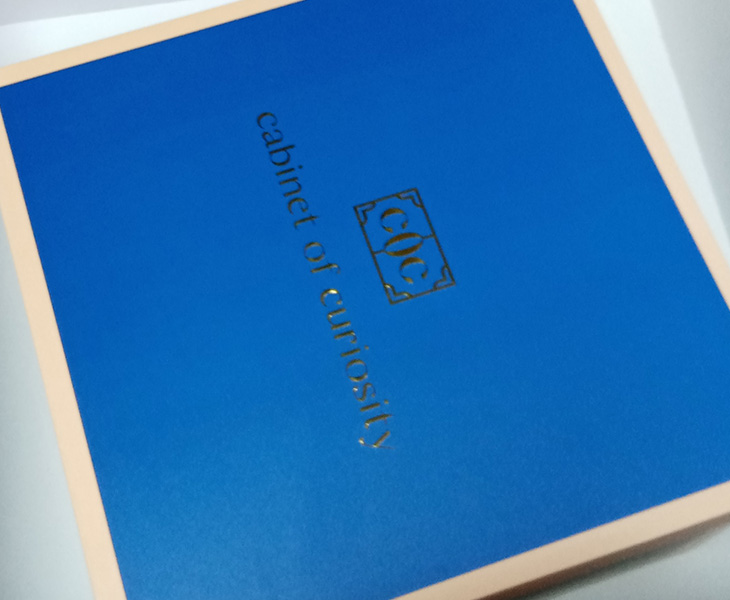
Always use pantone colors for big solid areas in printing.
For large areas of one color, it is recommended to use pantone colors instead of CMYK colors. Mixing four colors may lead to color shifts, misregistration, or ink streaking.
CMYK and RGB Mode
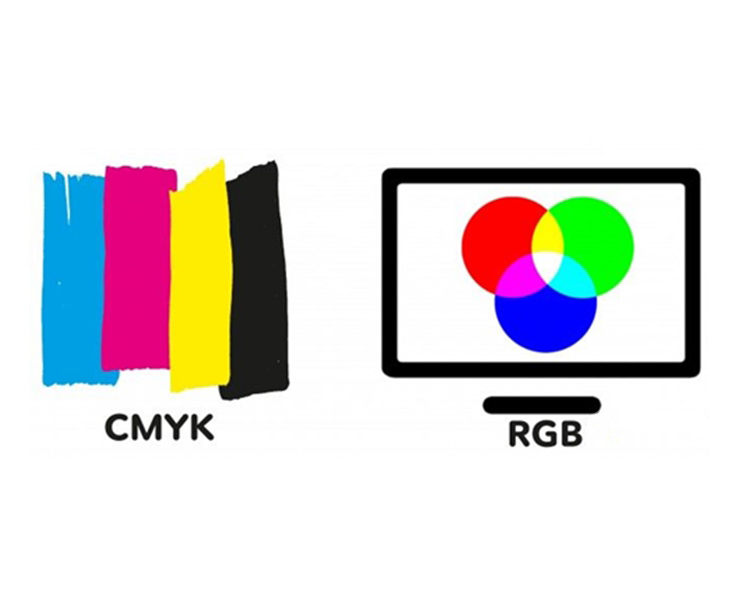
The RGB model is primarily used for electronic displays, such as monitors, TVs, and smartphone screens.The CMYK color model is mainly employed in the printing industry for various materials including packaging, brochures, and posters.
Black Ink for Packaging and Printing
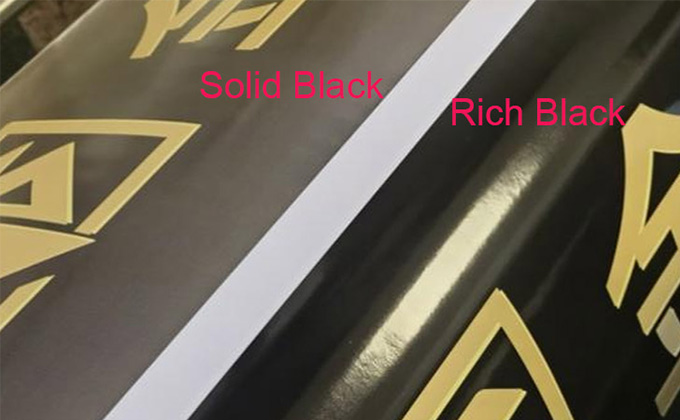
If the printed black doesn’t look dark enough, you can add a little of another color (for example, add some cyan to the black,K100 with C40) to make it look deeper.
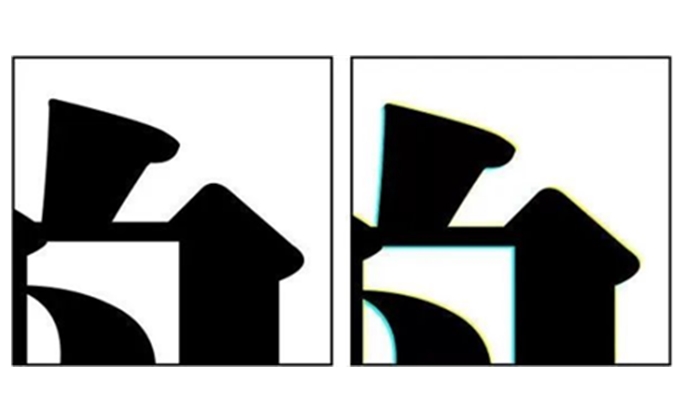
For rich black, the printer uses four colors together. Sometimes, the colors might not line up perfectly. If the texts are very small, they can look fuzzy or blurry. So, for small text, it’s better to just use 100% black ink alone.